
SceneSketch
From storyboard to animatic, in one app.
Features
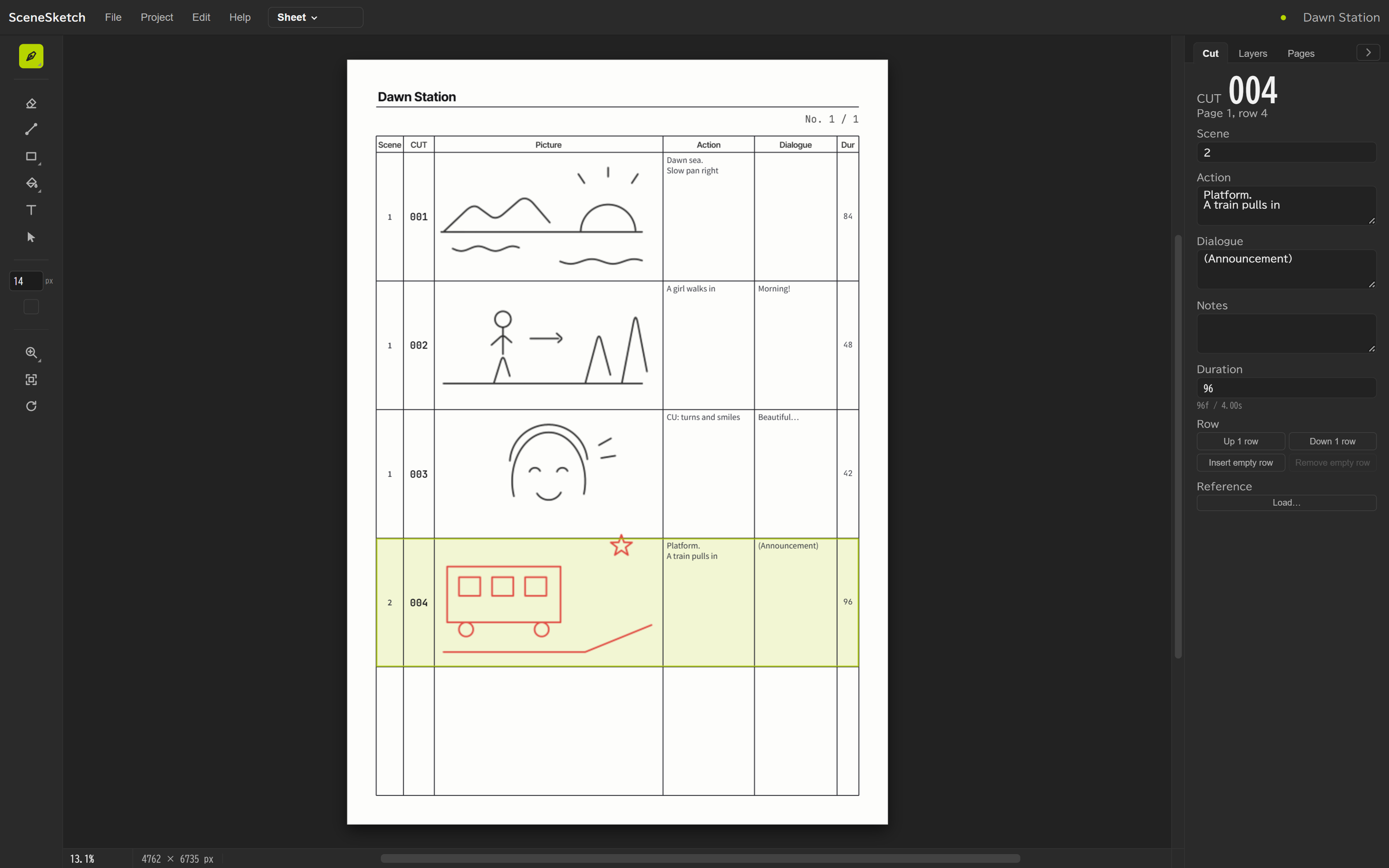
The storyboard you draw becomes your animatic.
Draw on the sheet, just like paper.
Draw directly on an A4, five-row sheet with your pen tablet.
Every drawn row becomes a cut.
Track progress in the shot list.
Time your cuts to the music.
Drag the edge of a cut to fit it to the track.
Straight into an animatic.
Export a timed animatic with audio as MP4, and your storyboard as PDF.
Carry your cut breakdown forward.
A script for Adobe After Effects builds one comp per cut.
- 01_main
- CUT_01
- CUT_02
- CUT_03
- CUT_04
- Dawn Station
- SceneSketchDrawings & audio
- Dawn Station StoryboardGuide layer
Requirements
- OS
- Windows 11 (64-bit)
- Adobe After Effects
- 2026 (only for the link)
- Languages
- 日本語・English・한국어
Download
Use every feature for 14 days, no key needed.
Download for Windows
v0.5.5
Downloading and using SceneSketch is subject to the Terms of Use.
If you see “Windows protected your PC”
SceneSketch isn’t code-signed yet, so Windows may show this. Click these in order to continue.
- 1More infoClick the link under the message
- 2Click the button that appears
About
Nemoharu Creative
Made by a video creator for their own storyboarding and timing work.
nemoharu-creative.com